Media library
The platform's own images and files — one library behind every picker, and what deleting from it actually does.
Admin → Media library
Every uploaded image, reusable anywhere a picker appears.
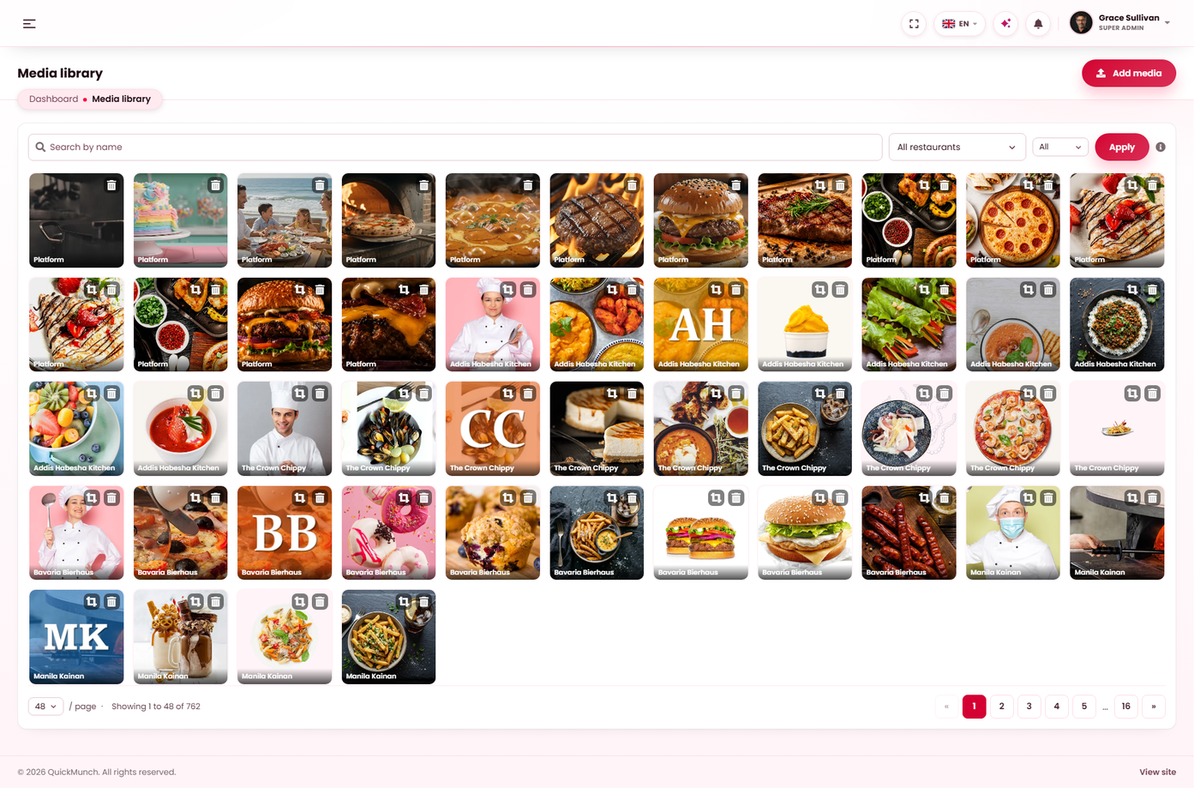
Two libraries, not one
| Library | Holds | Visible to |
|---|---|---|
| Platform (this screen) | Your logos, page images, blog pictures, fallbacks, bundled assets. | You. |
| Restaurant | Each venue's own dish photographs and covers. | Only that restaurant — see Media library (restaurant). |
They are separate on purpose: one restaurant must not be able to browse another's photographs, and your platform assets are not theirs to reuse or remove.
The picker
Every image field in the admin opens this same library — Library to choose something you already have, Upload to add a file by dragging it in or browsing. Filter by images or videos, and search by name.
Uploading a file you already hold does not create a duplicate: the existing copy is reused and the screen says so.
Where files live
Everything is stored in public/uploads on your own server. Nothing is sent to a
third party and nothing is loaded from one.
Images are resized on upload, so a photograph straight off a phone does not go out to customers
at full size. That is why gd is a required PHP extension — see
System requirements.
Cropping and copying
Images can be cropped in place, which saves redoing a photograph that is the wrong shape for a wide cover or a square dish tile. Each file also offers its address, for the occasions when something needs a link rather than a picker.
Deleting
Deleting removes the file itself. Anything still using it is left pointing at nothing — a dish, a page, a blog post, a fallback — and there is no warning list telling you what those were.
Bundled images that ship with the product are usable but are not yours to remove — they back the fallbacks and the demo content.
Upload limits are the server's
If an upload fails with no useful message, it is almost always PHP rather than the product. Raise
upload_max_filesize and post_max_size — if the post
limit is lower, the upload fails silently. Then confirm public/uploads is writable by
the web server.
Before an update
public/uploads is your data, not the product's. An update that
overwrites it destroys every image anybody has uploaded. Preserve the folder — see
Updating to a new version.
When it doesn't work
Uploads fail with no error
The two PHP limits above, or the uploads folder is not writable.
An image is missing on the storefront
It was deleted here, or the uploads folder was not carried across during an update.
A restaurant says its images are missing from my library
They are not meant to be here. Restaurant media belongs to the restaurant.
The library is full of pictures I did not upload
Bundled assets that ship with the product. They back the fallback images and the demo data.