Media library
Your restaurant's own images and video, uploaded once and reused everywhere a picture is asked for.
Restaurant → Media library
Every image you have uploaded, reusable anywhere a picker appears.
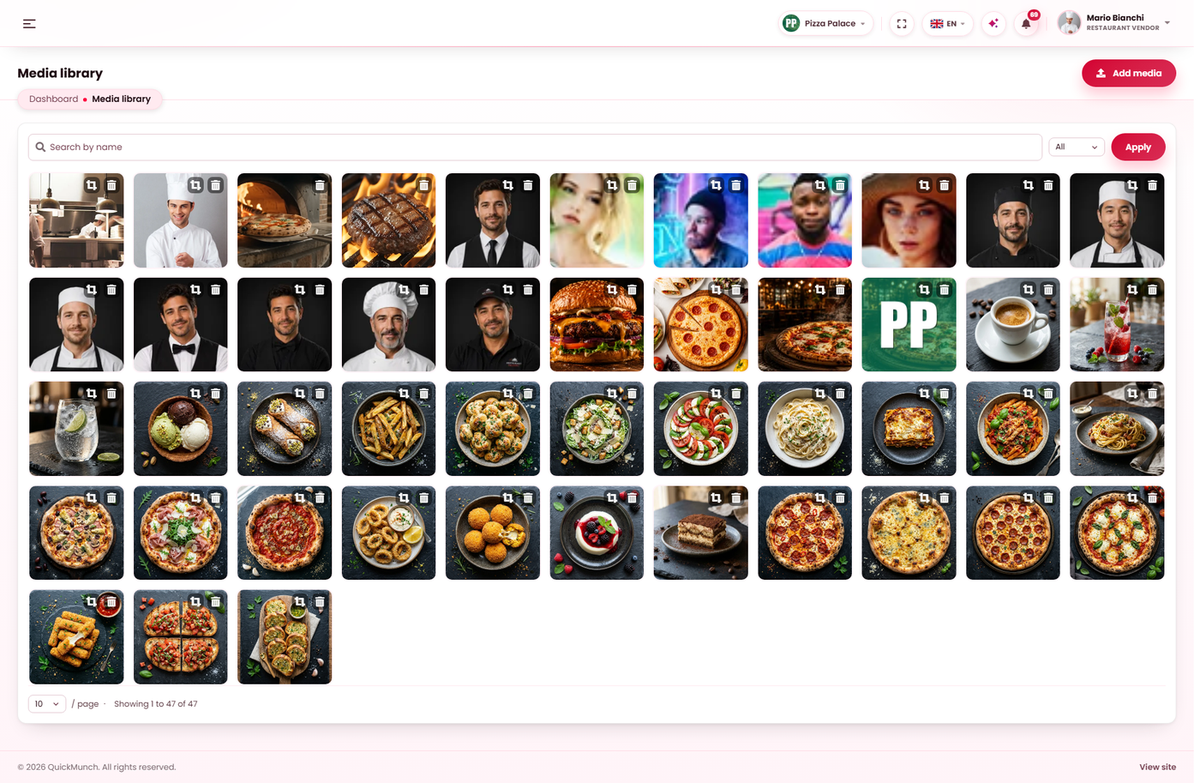
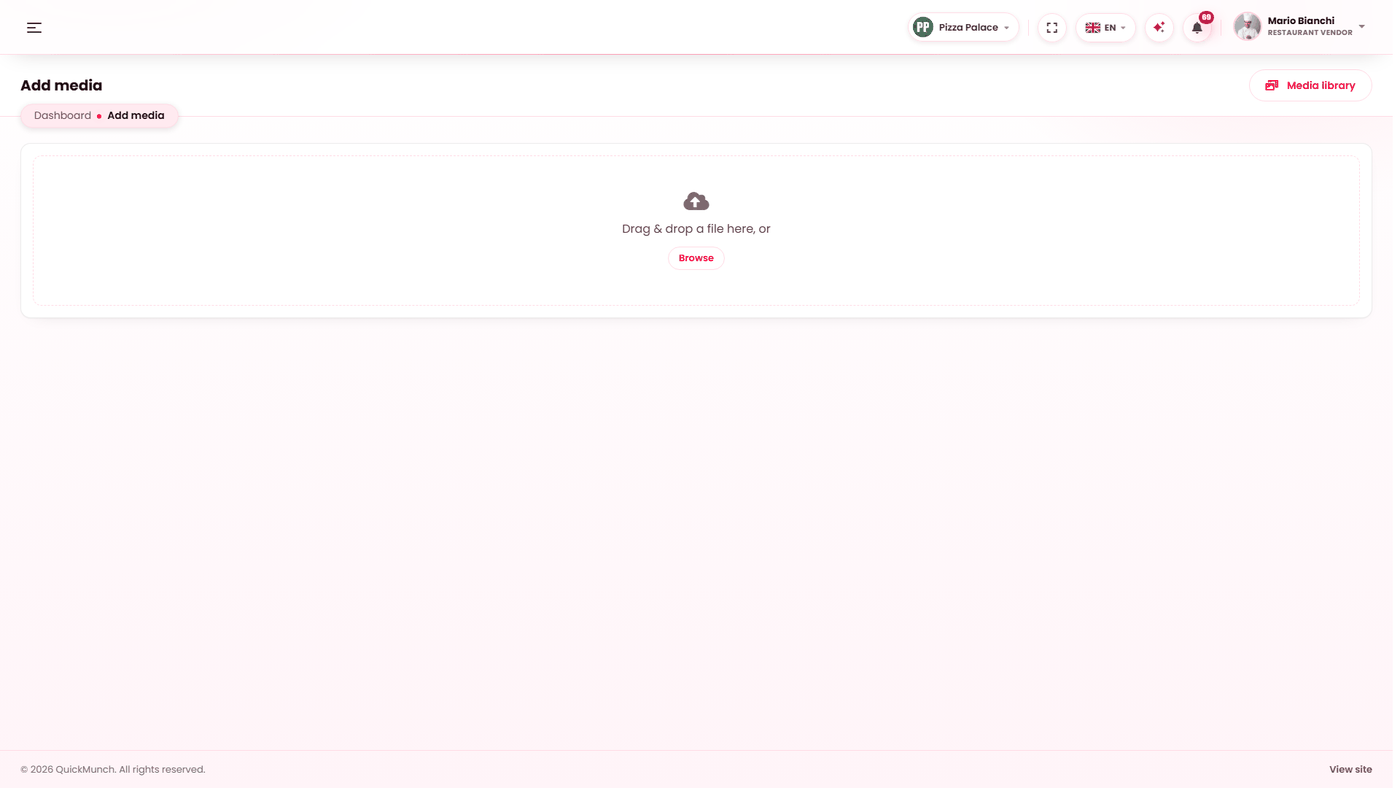
Drag files in, or browse for them. Images are resized and thumbnailed on upload.
One library, every picker
Every image field in your dashboard — dish photographs, your cover, your logo, about media — opens the same library. So a photograph is uploaded once and reused, rather than uploaded again each time it is needed.
The library is yours. Other restaurants cannot see it, and you cannot see theirs.
The picker
Two tabs: Library to choose something you already have, Upload to add a file — by dragging it in or browsing for it. Filter by images or videos, and search by name.
Uploading a file you already have does not create a duplicate: the existing copy is reused and the screen says so.
Cropping
Images can be cropped in the library, so a photograph taken in the wrong shape does not need redoing elsewhere. That matters most for cover images, which are wide, and dish photographs, which are square.
Copy URL
Each file offers its address, for the occasions when something needs a link to an image rather than a picker.
Deleting
Deleting removes the file. Anything still using it — a dish, your cover — is left pointing at nothing, and there is no warning list. Check before deleting anything you did not upload today.
Uploads that fail
Upload limits are set by the server your platform runs on, not by you. If a photograph straight off a phone is refused, it is almost always over the server's limit — resize it, or ask your platform operator to raise it. Images are resized after upload, but the file still has to arrive first.
When it doesn't work
"Set up your restaurant before uploading media"
The library belongs to a restaurant, and yours is not created yet. Finish Get started first.
An upload fails with no clear error
File size, nearly always. See above.
An image vanished from a dish
It was deleted from the library. The dish keeps working; only the picture is gone.
My library is empty but images show on my storefront
Those came from your platform's own library — bundled photographs, for instance. They are usable but not yours to delete.