General & contact
Your platform's name, how numbers and dates are written, and the details customers use to reach you.
Admin → Settings → General · Contact
Do these on day one
Two settings are read by every other screen, so getting them right first saves correcting data later.
| Setting | Where | Why it cannot wait |
|---|---|---|
| Currency | Settings → Payment | Every price, report and invoice is written in it. Changing it later does not convert anything — it relabels figures that were entered as something else. |
| Time zone | The server's PHP time zone; each restaurant sets its own in its dashboard settings | Opening hours, order times and reports all read through it. Wrong, and an evening's trade appears at the wrong hour. |
Identity
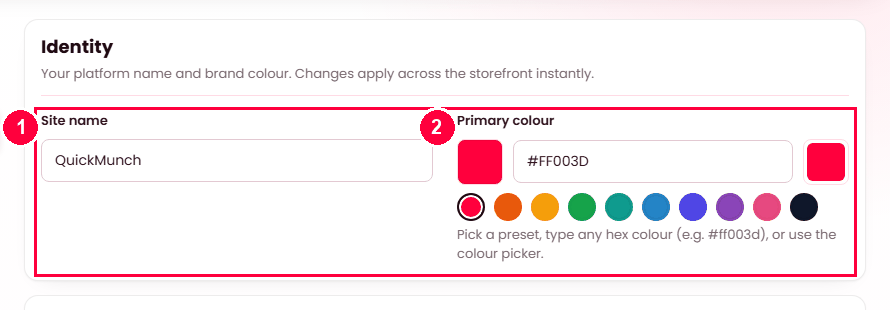
- Site name — printed across the storefront and emails.
- Primary colour — a preset or any hex colour; applied across the storefront instantly.
Formats
How dates, clocks and distances are written across the platform: 24-hour or 12-hour, the date order, and kilometres or miles. These are presentation only — nothing stored changes.
Language & translation
Your default language, and which languages a visitor may switch between. English is always available. See Languages.
Storefront layout
Which homepage design the public site uses, the blog's style and whether it has sidebars, and how far the "nearby" rail reaches. See Homepage layouts.
Contact details
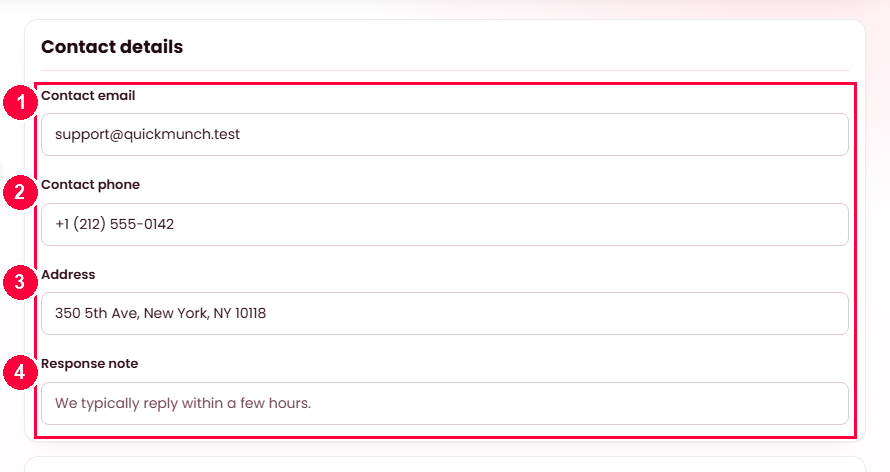
On the Contact tab — what a customer sees on the contact page:
- Contact email.
- Contact phone.
- Address.
- Response note — when to expect a reply.
Support hours follow below, one row per day.
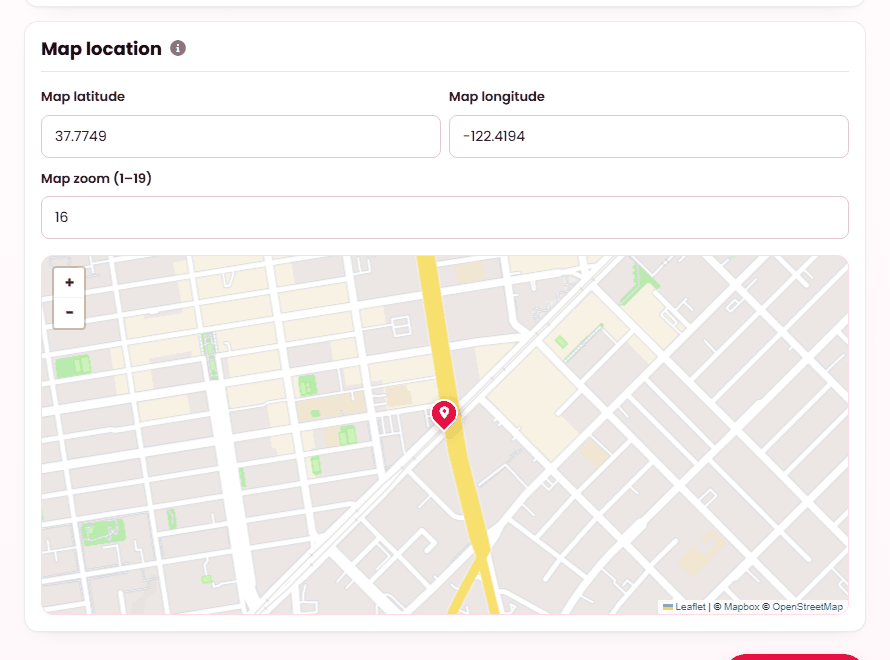
The map pin is set by latitude, longitude and zoom rather than an address, so it lands exactly where you mean. See Maps & location.
When it doesn't work
Prices show the wrong symbol
Currency is set here, and it is a label — it does not convert. If you have been trading in one currency and switch, existing figures keep their numbers and gain a new symbol.
Order times are hours out
Time zone. Fix it here; orders placed before the fix keep the timestamp they were recorded with.