All videos
The archive of every video upload, and the record page of a published one.
Restaurant → Quick Social → All videos
Every video upload, newest first, with the platforms it went to.
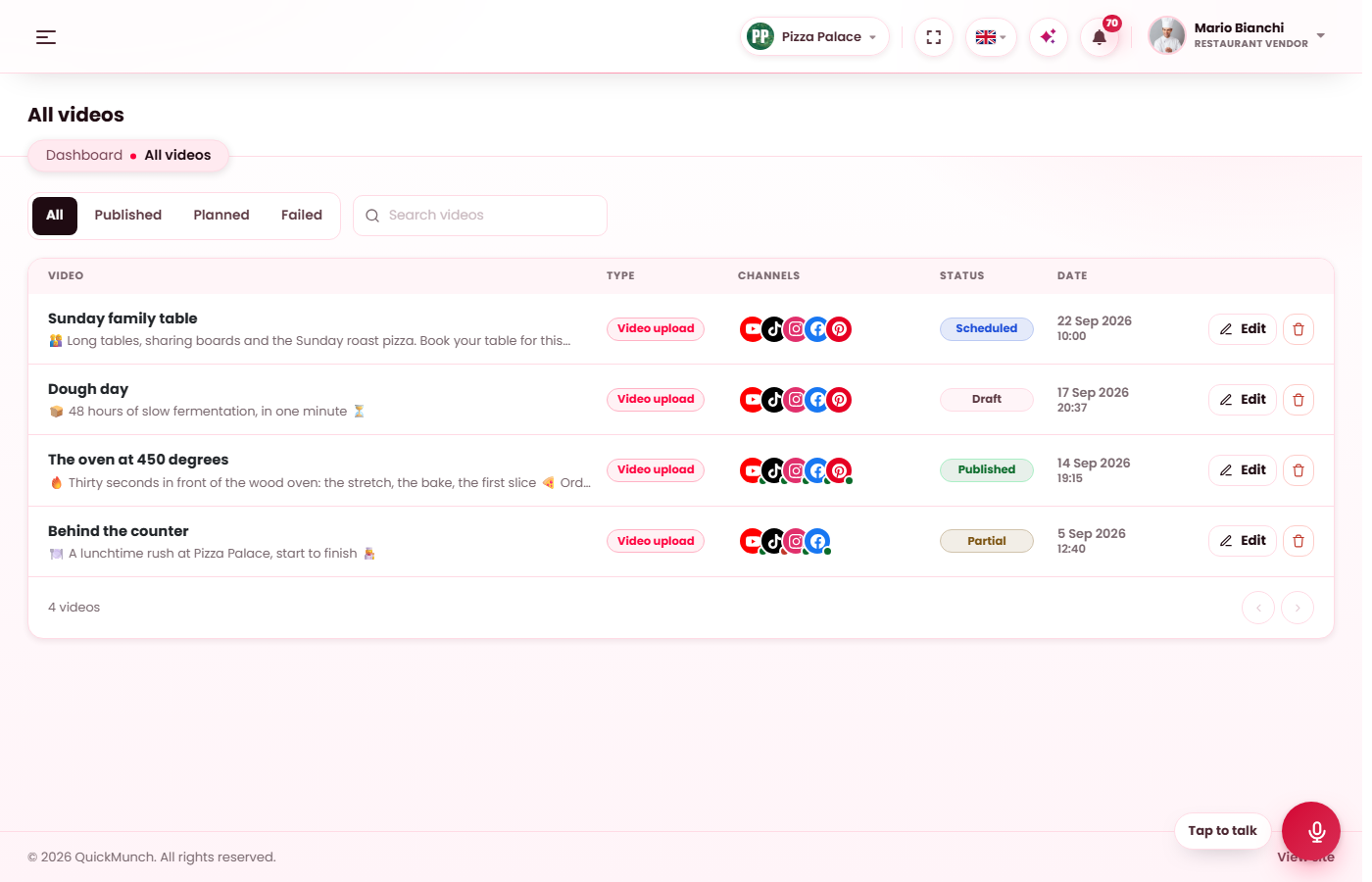
The same archive as All campaigns, for video uploads: newest first, filtered by All, Published, Planned and Failed, searched by title. A planned upload opens in Create video; a published one opens on its record page; the bin removes it with its runs.
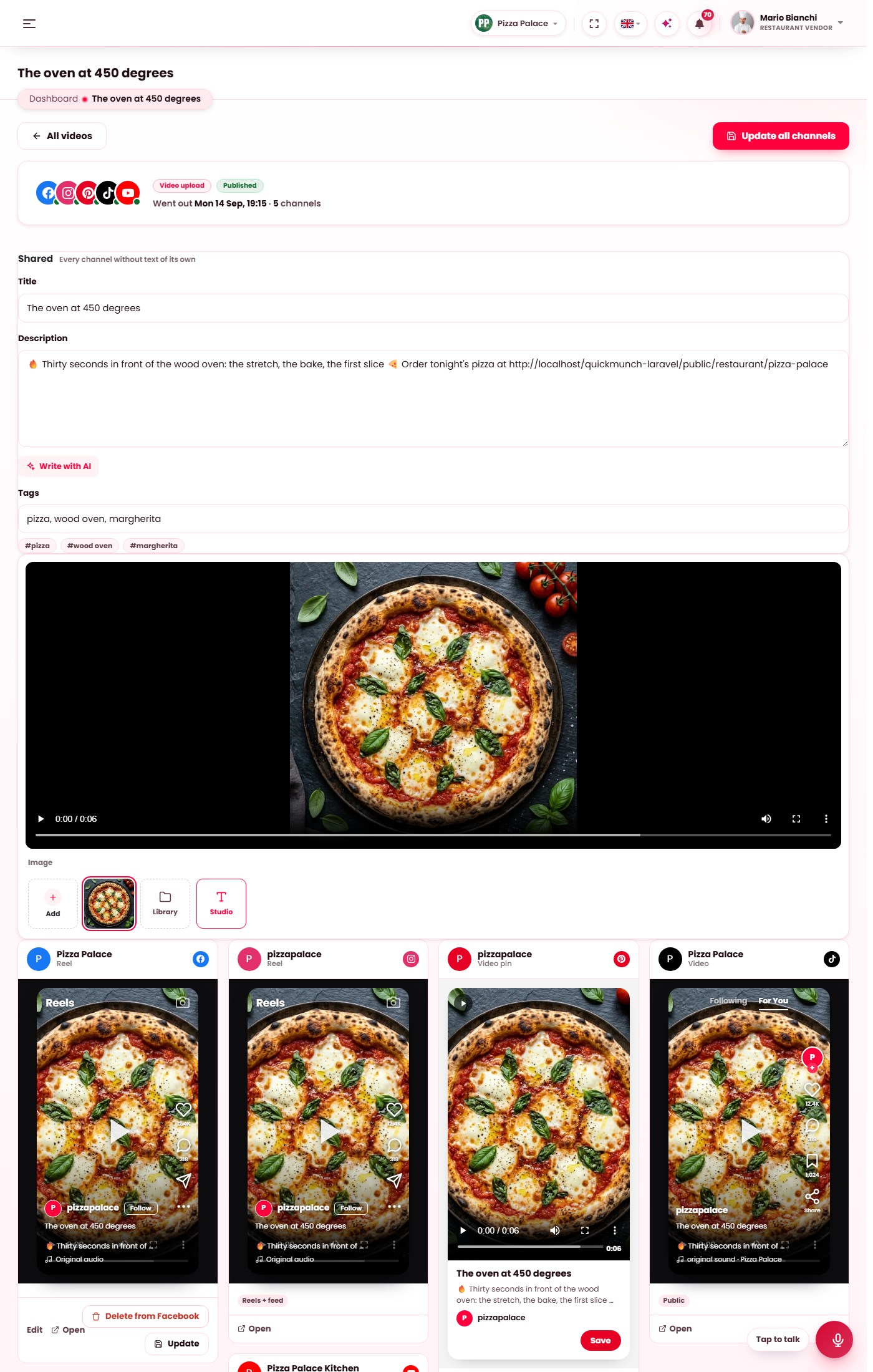
A published video: the shared title, description and tags, the cover strip, and one card per platform.
The record page
What the upload carried — the video, its cover, the title, description and tags — and one card per platform. Update all channels sends changed shared fields to every platform that takes them; a card's Edit and Update change one platform alone; Remove takes the video down where the platform allows it. YouTube takes a new title, description, tags, thumbnail, category, language, visibility and made-for-kids setting after publishing; Pinterest takes a new title, description, link and board; TikTok and Instagram keep what they were sent.
The Cover strip under the player takes a new thumbnail from the library or the Image studio; it goes to YouTube with the next Update.