Design templates
Starter designs your restaurants pick from, so a venue with no designer still looks the part.
Admin → Design templates
Starter designs your restaurants copy from, one set per surface.
What a template is
A ready-made design for something a restaurant prints or displays. They choose one, adjust it, and it is theirs — the template is a starting point, not a lock.
This matters more than it sounds. A restaurant owner is not a designer, and a blank canvas is where a QR card project dies. Templates are the difference between venues that print their cards and venues that mean to.
The five surfaces
| Type | Used for |
|---|---|
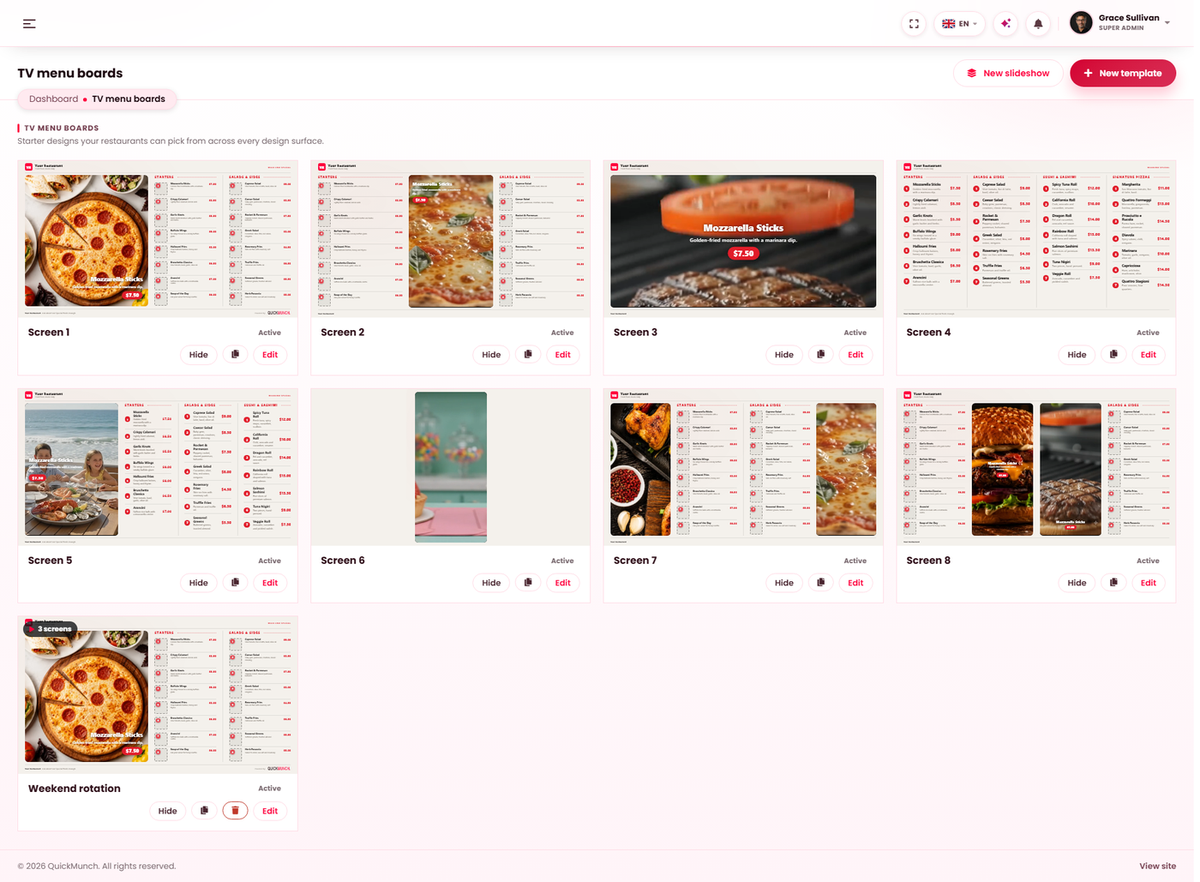
| TV menu boards | Screens above the counter. |
| Table QR cards | The card on a table that a guest scans to order. |
| Payment QR cards | A card that takes a payment rather than an order. |
| Printable menus | Paper menus, including double-sided folds. |
| Receipts | What the till prints. |
Making one
- Choose the surface you are designing for.
- Start from an existing design and adjust it, or begin blank.
- Save it. It becomes available to every restaurant on that surface.
Copying an existing template creates an independent copy — editing it never changes the original, so a starting point stays a starting point.
When it doesn't work
A surface is missing
Its service is switched off. TV boards need TV screens, QR cards need QR ordering, printable menus need the printable menu — see Turning features on and off.
Restaurants are not using them
Usually there are none published for that surface yet, or none suit them. Two or three good options are used more than a dozen mediocre ones.