Orders
Every order across every restaurant — for answering questions and fixing problems, not for running a kitchen.
Admin → Orders
Every order across the platform, filterable by status and restaurant.
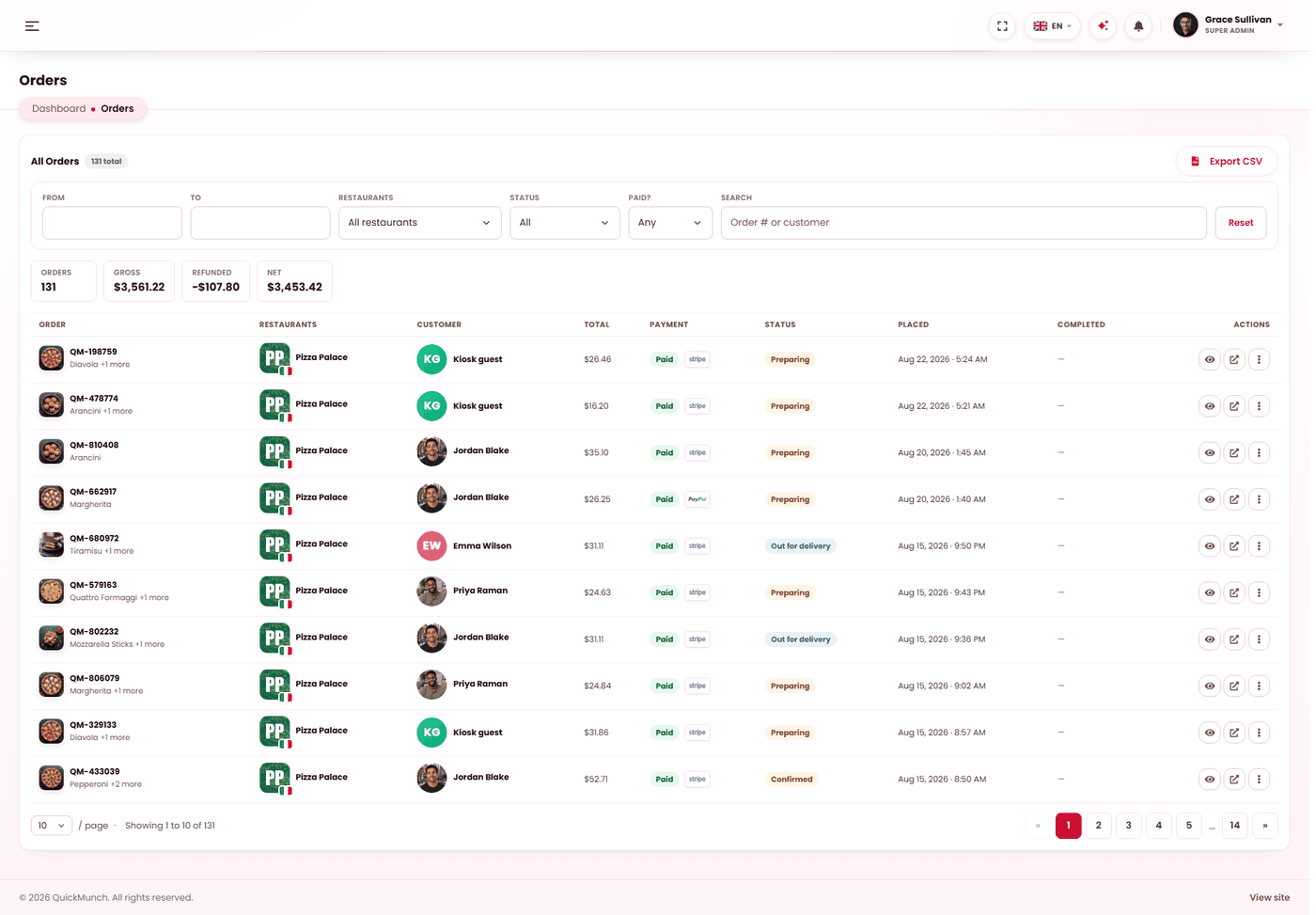
What this screen is for
The restaurant works its own orders on its own screen. You look here when somebody asks you a question: a customer chasing a refund, a restaurant disputing a payout, a card payment that does not match.
So it is built for finding one order and reading its whole story, rather than for working a queue.
How an order moves
| Status | Meaning |
|---|---|
| Pending | Placed, and either awaiting payment or awaiting the restaurant. |
| Confirmed | The restaurant accepted it. |
| Preparing | Being cooked. |
| Out for delivery | With a driver. |
| Delivered | Finished. Shown as Collected for a pickup order and Completed for dine-in — same state, wording that suits how it was fulfilled. |
| Cancelled | Stopped, by either side. |
Reading an order
Each order carries what it was, what it cost, and how it was paid — including the commission rate, the tax rate and the payment reference as they were at the time. That is what makes it possible to answer a question about an order from three months ago without guessing.
Refunds
Refund from the order itself, so the amount is written to the payment ledger and follows through into earnings and payouts. Refunding directly in Stripe or PayPal moves the money but leaves your records saying it was paid — the two then disagree permanently.
When it doesn't work
An order is stuck at pending and the customer says they paid
The confirmation did not arrive. Check the webhook badge on Settings → Payment and confirm Reconcile payments is running. The money is with the gateway either way — this is a recording problem, not a lost payment.
The restaurant says an order never reached them
Check its status here first. A pending order awaiting payment is not shown to the kitchen, which is usually the whole explanation.