Dashboard
The day at a glance: four figures, six charts, and the alerts that need you before service.
Restaurant → Dashboard
Today at a glance: takings, orders, the live map and the trends underneath.
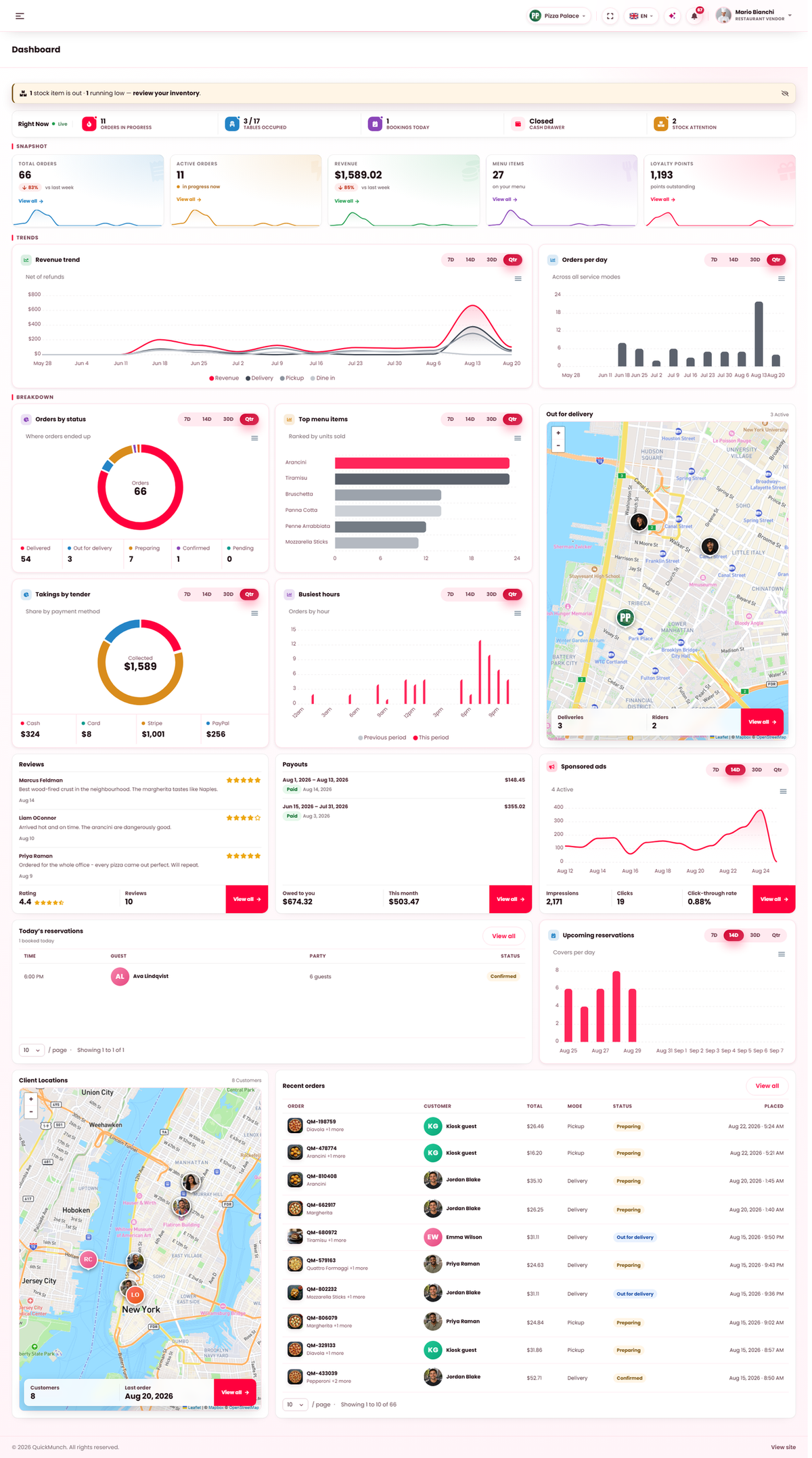
The four figures
| Figure | Reads |
|---|---|
| Total orders | With a comparison against last week, so a quiet day is visible as a trend rather than a feeling. |
| Active orders | In progress right now. The number to watch during service. |
| Menu items | How many dishes you have published. |
| Loyalty points | Points outstanding — what customers can still spend against you. |
The charts
All of them share one 7 / 14 / 30 / quarter switcher, and all four ranges are loaded with the page — switching is instant and fetches nothing.
| Chart | Answers |
|---|---|
| Revenue | What you took, net of refunds, split by service mode where you use more than one. |
| Orders | How many, across all service modes. |
| Where orders ended up | Completed against cancelled. A rising cancellation share is the early warning. |
| Top menu items | Ranked by units sold. |
| Takings by tender | Share by payment method — what to expect in the drawer at close. |
| Busiest hours | Orders by hour. This is your staffing chart. |
If you take bookings there is a seventh: Upcoming reservations, showing covers per day for the next 7, 14, 30 or 90 days. Note it looks forward while the others look back.
The service strip
Three live readings for restaurants running a floor and a till:
- Tables occupied — from the floor plan.
- Cash drawer — what the till says it holds.
- Stock attention — how many items are out or running low, linking to Inventory.
Today's reservations are listed alongside, with the count booked for today.
When it doesn't work
The charts are empty
Nothing happened in that range. A new restaurant reads as an empty chart on a fortnight and a sensible one on a quarter — try the wider range before assuming a fault.
Revenue does not match my till
Refunds. The dashboard subtracts them; a till roll usually does not.
A chart is missing
It has nothing to draw. The tender chart needs more than one payment method to have been used; the reservations chart needs Accept reservations on at Restaurant → Settings → Reservations & booking.
I cannot see the money figures
Managers see the operational view without the money. That is the role, not a fault — see What each role can do.